KY34-BY OLED Blue (Kuman)
✅ Active 🧪 Testing
display Kuman Model: KY34-BY 📅 Acquired: 2017
0.96" OLED Display Module (128x64) - I2C - SSD1306
📅Last updated:January 29, 2026(3 days ago)
Connection Types
📐 See This Display in Action
This display is featured in our interactive size comparison.
Overview
The KY34-BY OLED Display by Kuman is a monochrome blue OLED display module.
OLED displays are self-illuminating (no backlight needed), have excellent contrast, wide viewing angles, and consume very little power. This module uses the SSD1306 driver chip.
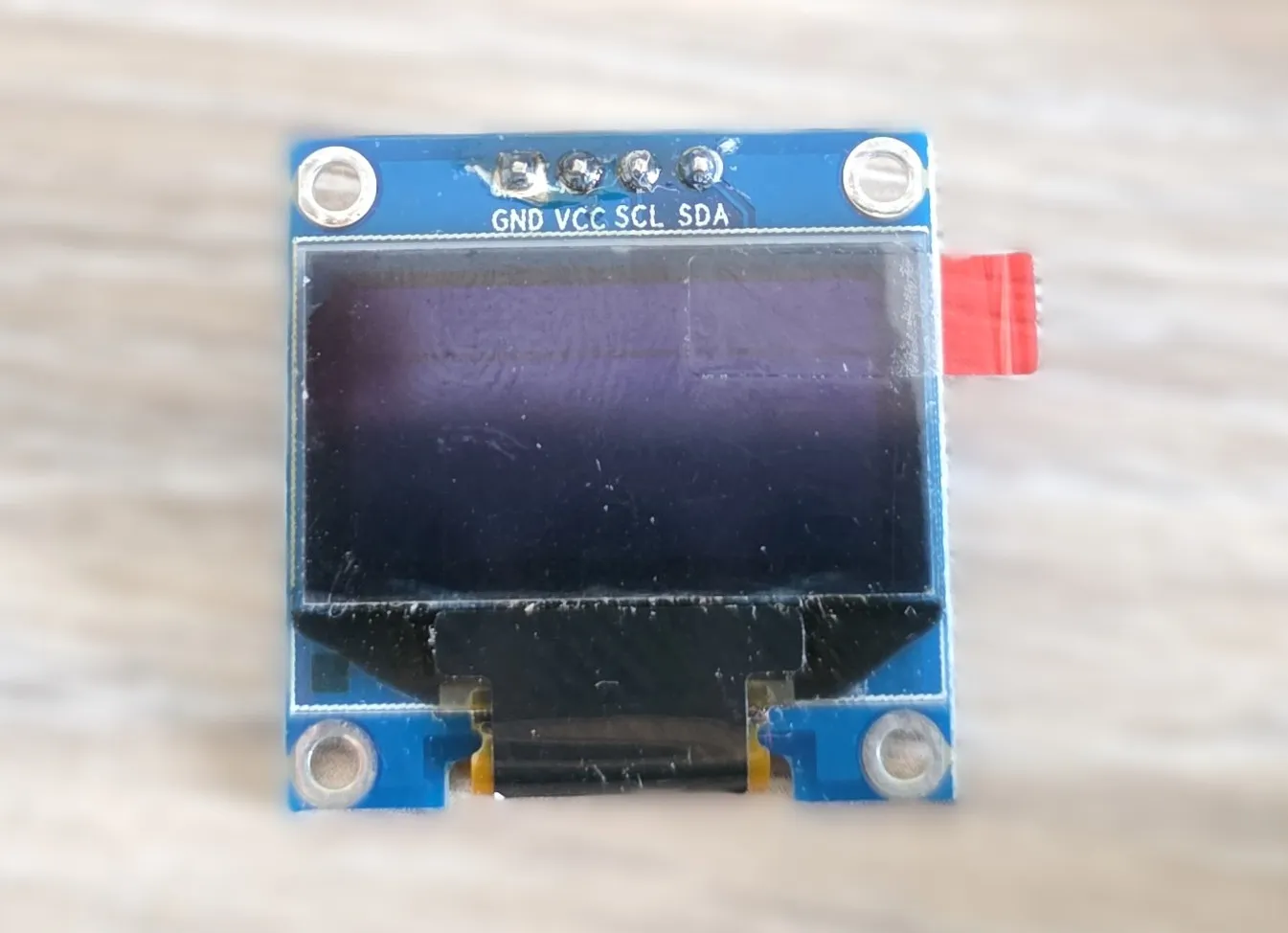
- 0.96” blue OLED display (128x64 pixels)
- Uses the SSD1306 driver chip
- I2C interface
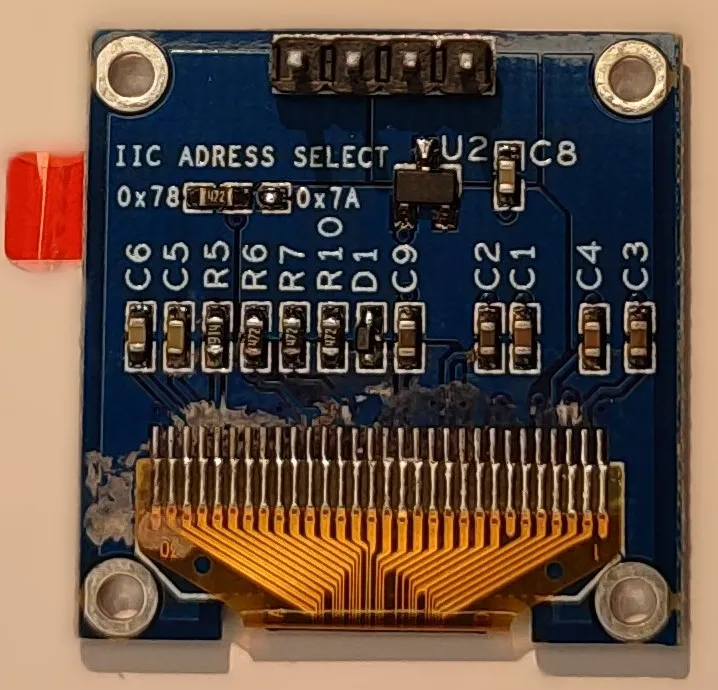
- I2C address: 0x78 (or 0x7A - jumper) This should be configured as 0x3C or 0x3D because esphome uses 7-bit address
- Operating voltage: 3.3V-5V
Testing Status
- ✅ Basic Config - Wiring up & Test Card in Color
- ✅ Simple Graphics and Text
Configuration Notes
Uses SSD1306 I2C (SSD1306 128x64).
- The same as the display on Xmini C3
- Similar to grove-oled-ssd1315, has the same addresses indicated
Wiring
Example here is for esp32-devkit-v1 Adjust substitutions based on your board. For the examples below I used the following wiring:
| LCD | esp32-devkit-v1 | Notes |
|---|---|---|
| SCL | GPIO22 | I2C Clock |
| SDA | GPIO21 | I2C Data |
| VCC | 3V3 | |
| GND | GND |
Basic Configuration
Very basic test - just two squares:
esphome:
  name: my-display-test

esp32:
  variant: esp32
  framework:
    type: esp-idf
    advanced:
      minimum_chip_revision: "3.1"

logger:

substitutions:
  i2c_sda_pin: GPIO21
  i2c_scl_pin: GPIO22

i2c:
  sda: ${i2c_sda_pin}
  scl: ${i2c_scl_pin}

display:
  - platform: ssd1306_i2c
    model: "SSD1306 128x64"
    address: 0x3C
    lambda: |-
      it.filled_rectangle(0, 0, it.get_width(), it.get_height());
      it.filled_rectangle(it.get_width()/2 - 6, it.get_height()/2 - 6, 12, 12, COLOR_OFF);
Simple Graphics and Text Example
To add text and graphics, add the lambda section and define fonts to the basic config:
font:
  - file: "gfonts://Roboto"
    id: roboto
    size: 20

display:
  - platform: ssd1306_i2c
    model: "SSD1306 128x64"
    address: 0x3C
    lambda: |-
      it.filled_rectangle(0, 0, it.get_width(), it.get_height(), COLOR_OFF);
      it.filled_circle(it.get_width()/2, 40, 24, COLOR_ON);
      it.print(it.get_width()/2, 10, id(roboto), COLOR_ON, TextAlign::CENTER, "Hello!");
Other Images
Back of the display: